General News
FUTWIZ Xbox App
20/05/2014 20:20pm
By Ruan
Got an Xbox one? Don’t have the futwiz mobile app or computer near you? Then this is for you..!
We’ve just launched a lightweight web page that’s compatible with Xbox One!
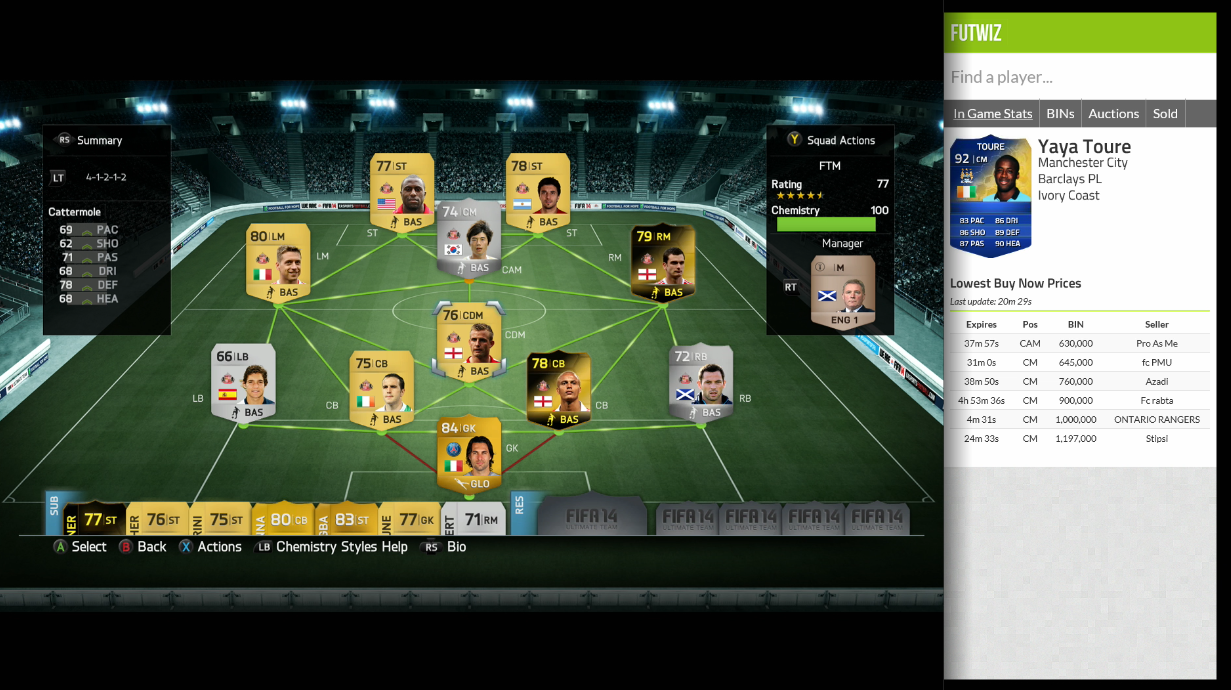
You can get quick access to players in game stats, lowest buy now prices, lowest start prices and latest sales!
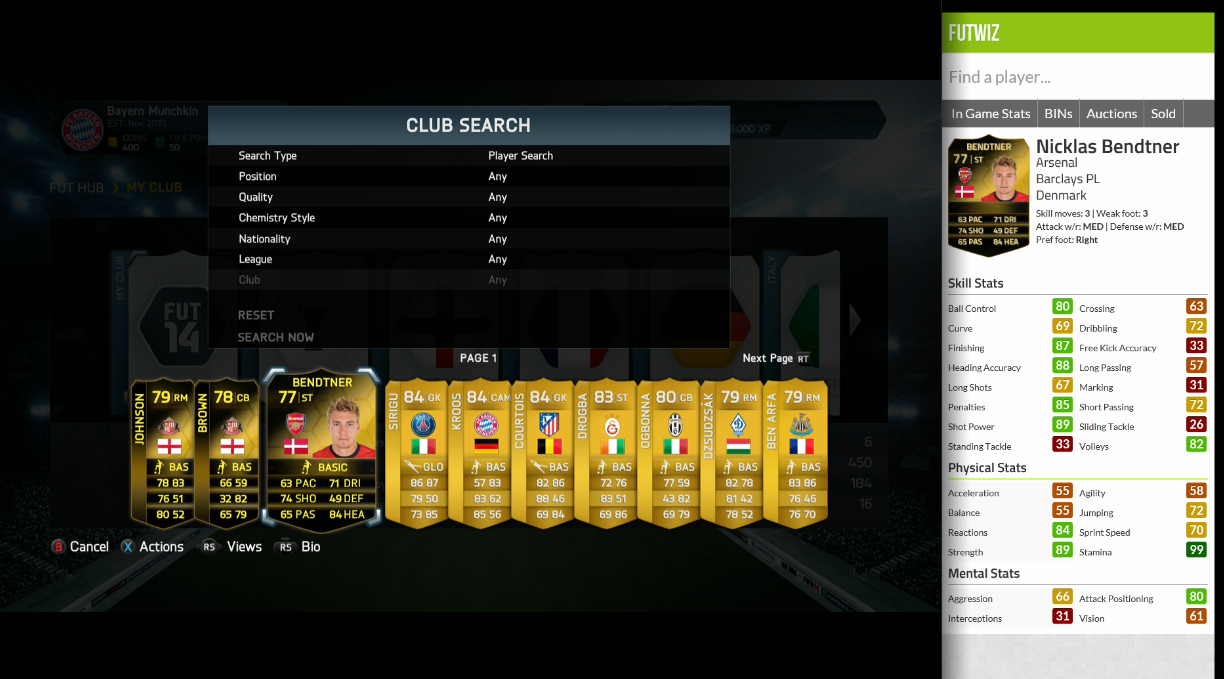
Looks good, right? Here’s how to use it;
- Open the Snap app, and snap Internet explorer. (Or shout Xbox, Snap internet explorer – if you have Kinect on)
- Press the menu button on your Xbox One controller, and go to Show Address Bar
- In the address bar, type www.futwiz.com/xbox and press go!
- You can now type a player name in the Find Player… box
- Press the B button to exit out of the keyboard, navigate to the player you want to go to, and press the A button.
Simple as that!
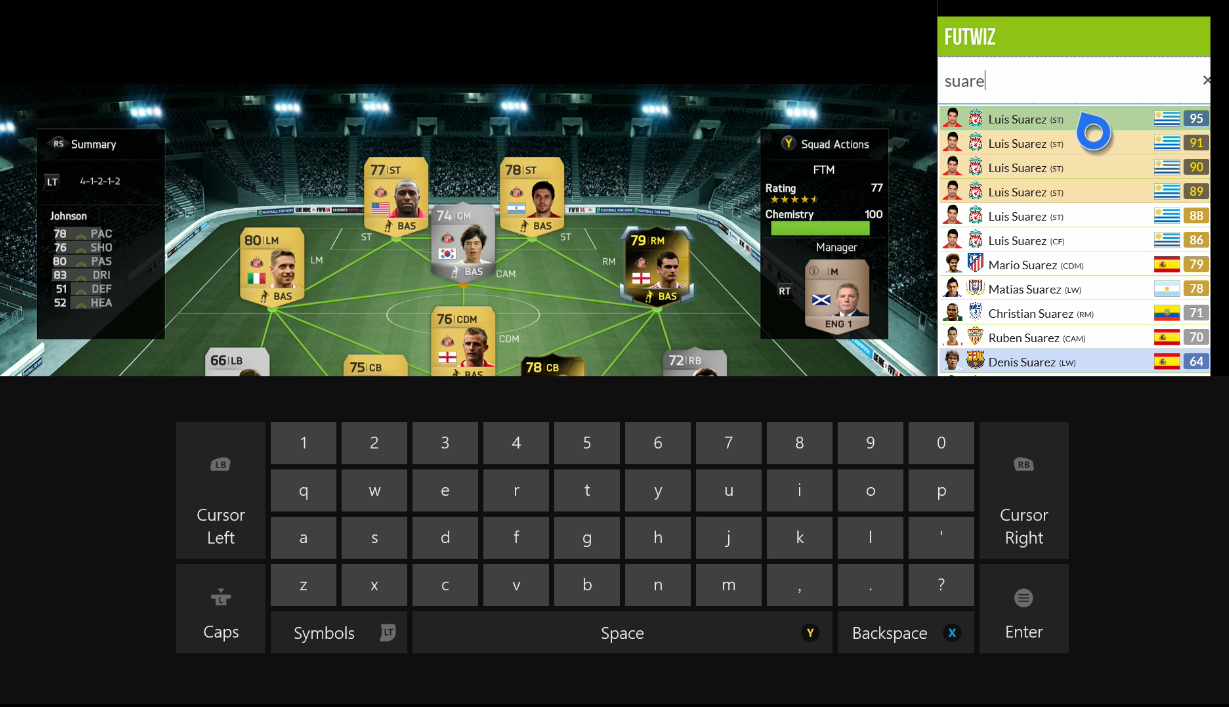
Now you can view in game stats or price data while browsing the market on your Xbox!
Have any suggestions or bugs? Then let us know on Twitter


